
How to Track World Cup Matches: Real-Time Schedules & Updates


Missing a World Cup goal because you had the wrong kickoff time is the kind of thing that sticks with you. You refresh your phone, see the final score, and realize the match ended an hour ago. With 104 matches across 16 venues packed into a single tournament, the 2026 FIFA World Cup is the biggest in history, and keeping up with it is genuinely harder than it sounds. Fans in different countries, different time zones, and with different priorities, whether casual viewing, fantasy leagues, or betting, all need different things from their tracking setup. This guide gives you a practical, proven system to follow every match without missing a beat.
Table of Contents
- Understanding match schedules and key timing challenges
- Must-have tools and platforms to track matches
- Step-by-step: Setting up your match tracking system
- Avoiding mistakes and getting the most from your World Cup experience
- Our take: What most fans get wrong and how you can do better
- Ready for every match? Track World Cup 2026 with footgoal.co
- Frequently asked questions
Key Takeaways
| Point | Details |
|---|---|
| Master the schedule | Understanding match times and time zones prevents missing key games. |
| Use the right tools | Choose reliable platforms and apps to track real-time scores and updates. |
| Personalize alerts | Set up tailored notifications to follow teams, stages, or events that matter most to you. |
| Avoid common mistakes | Double-check your sources and notification settings to ensure you never miss a match. |
Understanding match schedules and key timing challenges
The 2026 World Cup is not your average tournament. 104 matches across 16 venues spread across the United States, Canada, and Mexico means the schedule is genuinely complex. Games kick off at different times depending on the host city, and those cities span multiple time zones, from Eastern to Pacific. If you are watching from Europe, Asia, or South America, the math gets even trickier.
Here is a quick look at how the same kickoff time translates across major regions:
| Match kickoff (ET) | PT | GMT | CET | AEST |
|---|---|---|---|---|
| 12:00 PM | 9:00 AM | 5:00 PM | 6:00 PM | 3:00 AM +1 |
| 3:00 PM | 12:00 PM | 8:00 PM | 9:00 PM | 6:00 AM +1 |
| 6:00 PM | 3:00 PM | 11:00 PM | 12:00 AM +1 | 9:00 AM +1 |
| 9:00 PM | 6:00 PM | 2:00 AM +1 | 3:00 AM +1 | 12:00 PM +1 |
The kickoff times and time zones vary significantly depending on which venue is hosting. A match in Los Angeles and a match in New York on the same day can have very different local start times, and if you are not paying attention, you will mix them up.
“The biggest mistake fans make is assuming all matches start at the same local time. They do not. Always check the venue city first.”
This confusion is not just inconvenient. It can mean missing the opening whistle of a knockout match, placing a bet based on the wrong start time, or setting a fantasy lineup after the game has already begun. The full match schedule is your first line of defense. Bookmark it, check it regularly, and always verify the time zone listed.
Pro Tip: Always convert match times to your local time zone before saving them. A tool that shows you ET, PT, and GMT side by side saves a lot of last-minute scrambling.
Understanding the schedule structure also helps you plan ahead. The group stage runs first, with multiple matches per day. Then the knockout rounds thin out the schedule but raise the stakes dramatically. Knowing this rhythm lets you prioritize which matches matter most to your fantasy picks or betting strategy.

Must-have tools and platforms to track matches
Once you know when games happen, the next step is choosing the right tools for up-to-the-moment alerts. The good news is that dedicated platforms offer real-time updates, results, and live scores for every match. The challenge is picking the ones that actually work for your needs.
Here is a breakdown of the top options:
| Platform | Best for | Push alerts | Fantasy integration | Free tier |
|---|---|---|---|---|
| FIFA+ | Official updates, highlights | Yes | No | Yes |
| OneFootball | Match stats, lineups | Yes | Limited | Yes |
| LiveScore | Fast scores, minimal clutter | Yes | No | Yes |
| ESPN app | Broadcast info, commentary | Yes | Yes | Partial |
| footgoal.co | Schedules, time zones, venues | No | No | Yes |
Each platform has a different strength. FIFA+ is the official source, so it is the most reliable for confirmed lineups and official results. OneFootball goes deeper on stats and pre-match analysis. LiveScore is stripped down and fast, which is ideal if you just want the score without noise. The ESPN app is strong if you are also watching broadcasts and want everything in one place.
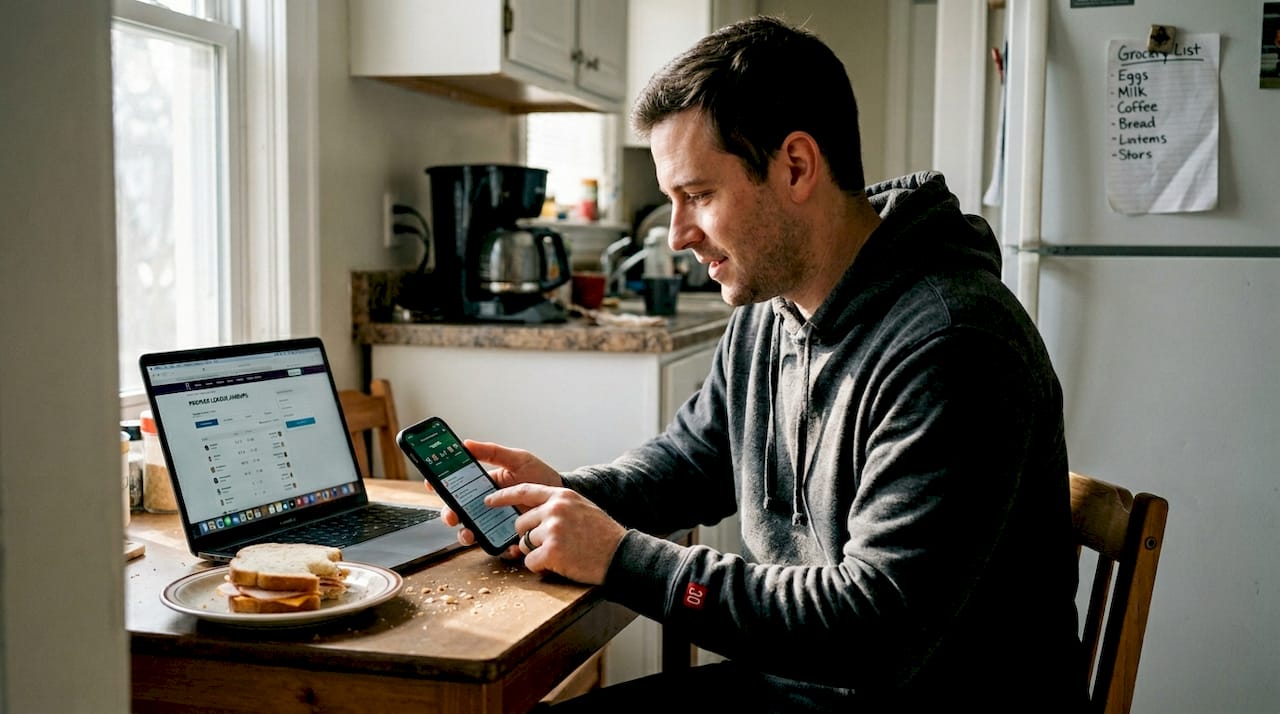
For fantasy league players, ESPN and similar platforms often integrate directly with your team management tools. You can get alerts when a key player is injured or benched before a match, which is critical for last-minute lineup decisions.
Bettors should look for platforms that update odds in real time alongside scores. Many sportsbook apps have built-in live score feeds, but cross-checking with a neutral source like LiveScore or the news and updates blog adds an extra layer of confidence.
- Enable push notifications for match start, goals, red cards, and final whistle
- Turn off notifications for teams you are not tracking to reduce noise
- Use the host venues guide to understand stadium locations and local time zones
- Set a secondary alert 30 minutes before kickoff as a backup reminder
Pro Tip: Do not rely on a single platform. Use one for scores and one for schedule confirmation. If two sources agree, you can trust the information.
Step-by-step: Setting up your match tracking system
With your favorite apps or platforms in mind, here is how to make sure you never miss a second. Fans can sync match schedules directly to calendars or set up app notifications for automatic updates, and the setup takes less than ten minutes.
- Choose your primary tracking method. Decide whether you prefer an app, a calendar feed, or a dedicated website. Most fans do best with one app for live scores and one calendar for upcoming matches.
- Import the official schedule. Many sports sites offer downloadable calendar files in .ics format. Download the file and import it into Google Calendar, Apple Calendar, or Outlook. Every match appears as an event with the correct local time.
- Enable push notifications. Open your chosen app, go to settings, and turn on alerts for match start, goals, red cards, and final results. Customize by team or competition stage if the app allows it.
- Set manual reminders for knockout matches. The add full schedule page lets you see every knockout date in advance. Add a personal reminder for the quarterfinals, semifinals, and final so you never get caught off guard.
- Sync with your fantasy or betting platform. If you use a fantasy league app, link it to your calendar so lineup deadlines appear alongside match times. This prevents the classic mistake of forgetting to update your squad before kickoff.
- Test your setup before the tournament starts. Send yourself a test notification, check that your calendar shows the right time zone, and confirm your backup alerts are active.
The fan guide and tips covers additional setup advice for fans traveling to matches, including venue-specific tips that change how you plan your day.
Pro Tip: Use a dedicated calendar just for World Cup matches. Mixing them into your work calendar creates clutter and makes it easy to overlook a game.
Avoiding mistakes and getting the most from your World Cup experience
Even the best systems can break down if you are not careful. Missing a match or following unreliable sources can lead to confusion and missed bets or fantasy picks, and those mistakes are almost always avoidable.
The most common errors fans make:
- Trusting random social media posts for match times. These are frequently wrong, especially when shared across different time zones.
- Forgetting to update notification settings after a phone reset or app update. Always recheck your alerts at the start of each tournament stage.
- Using a single source for all information. If that source has an outage or error, you are flying blind.
- Ignoring the tournament format guide. Understanding how teams advance changes which matches matter most to your tracking priorities.
- Setting alerts in the wrong time zone. This is the single most common mistake and the easiest to fix.
“Cross-check every important match time against at least two official or well-established sources. One confirmation is not enough when the stakes are high.”
For fantasy players, the timing of team announcements is just as important as the match time itself. Most managers release official lineups 60 to 75 minutes before kickoff. Set a reminder for that window so you can make last-minute substitutions based on confirmed starters.
Bettors should pay close attention to injury news and lineup changes in the 24 hours before a match. A star player sitting out can shift the odds significantly. Reliable sources update this information faster than unofficial ones, so sticking to established platforms pays off.
For casual viewers, the goal is simpler: know when to sit down and watch. A well-organized calendar with time zone-corrected kickoff times is all you need. Keep it clean, keep it accurate, and enjoy the football.
Our take: What most fans get wrong and how you can do better
Here is something counterintuitive: the fans who follow the most sources are often the least informed. More information does not automatically mean better information. When you are getting alerts from five different apps, reading three live blogs at once, and checking social media every two minutes, you stop processing and start reacting. That is not following football. That is anxiety with a scoreboard.
The fans who genuinely enjoy the World Cup and make smarter decisions, whether for fantasy, betting, or just pure entertainment, are the ones who curate ruthlessly. They pick two or three trusted sources, set up clean notifications, and trust their system. They are not constantly second-guessing themselves because they built something reliable from the start.
Covering live tournaments teaches you quickly that restraint is a skill. The surprise teams analysis is a perfect example: fans who focused on a few key metrics spotted dark horses early, while those chasing every headline missed the signal in the noise. Less, done well, beats more, done chaotically.
Ready for every match? Track World Cup 2026 with footgoal.co
Putting all of this into practice is much easier when you have one reliable home base for your World Cup information. footgoal.co is built specifically for fans who need accurate schedules, time zone conversions, venue details, and real-time match updates without the clutter.
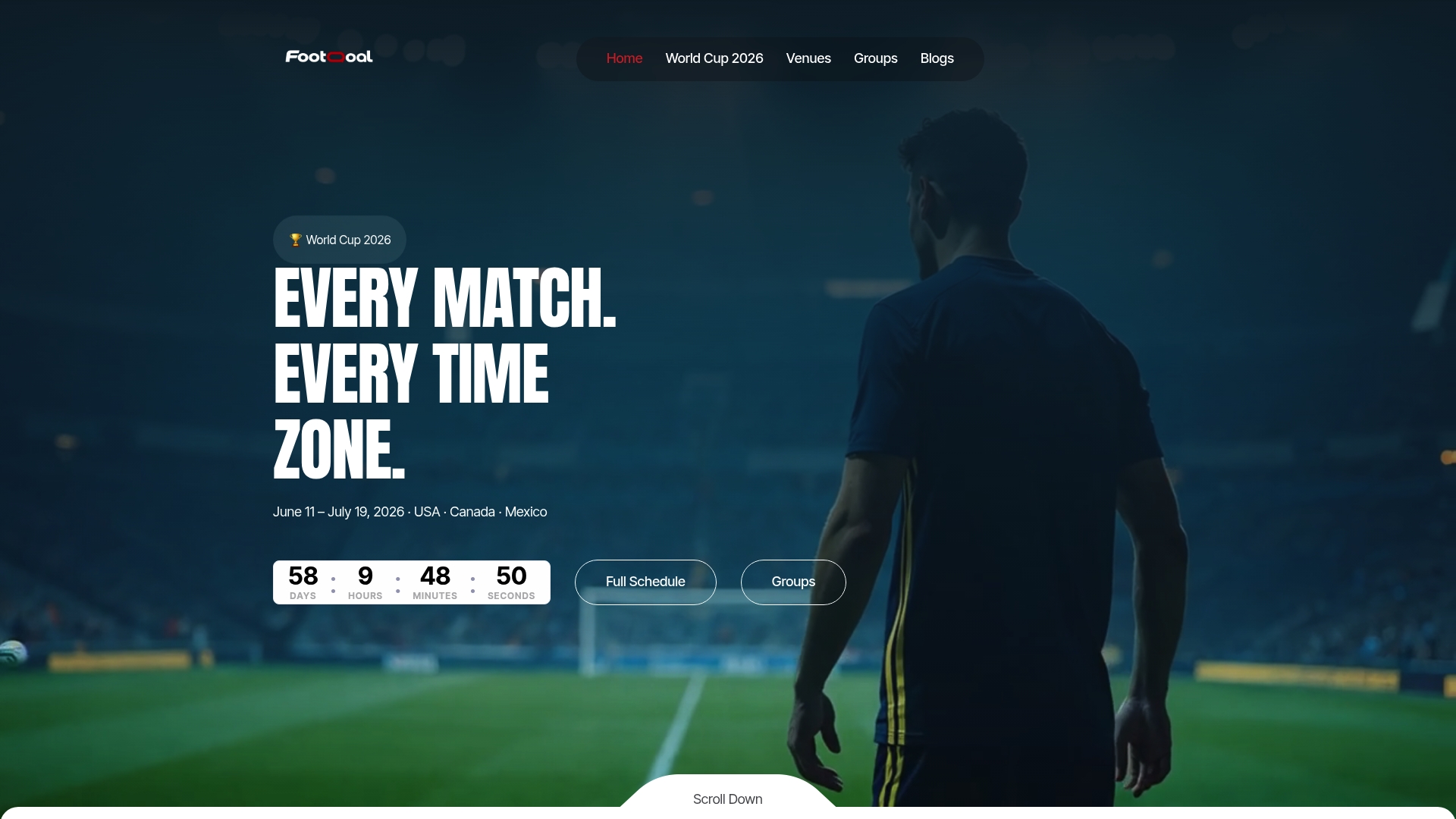
Whether you are planning your viewing schedule weeks in advance or checking a score mid-match, the full World Cup 2026 schedule gives you everything in one place. Want to know which stadium a match is being played at and what time that means for your city? The explore host stadiums section has you covered. Stop guessing and start watching with confidence.
Frequently asked questions
Which app is best for tracking live World Cup scores?
Apps like FIFA+, OneFootball, and LiveScore provide fast, accurate live scores along with push alerts for goals and key events. For a broader view that includes real-time World Cup updates, dedicated sports sites add reliable schedule context.
How can I get World Cup match schedules on my phone calendar?
You can import downloadable calendar files from major sports sites or subscribe to official schedule feeds. Fans can sync schedules directly to Google Calendar, Apple Calendar, or Outlook in just a few steps.
What should I do if I keep missing notifications?
Recheck your app notification settings, confirm the correct time zone is selected, and add a backup calendar alert. Missing matches from unreliable sources is avoidable when you use at least two confirmed sources.
How do time zones affect World Cup match times?
With games spread across multiple North American cities, kickoff times shift depending on the host venue. Always verify times using a trusted converter since 104 matches across 16 venues means significant variation throughout the tournament.
Recommended
.webp)