
Will Your Phone Work at World Cup 2026 Stadiums?



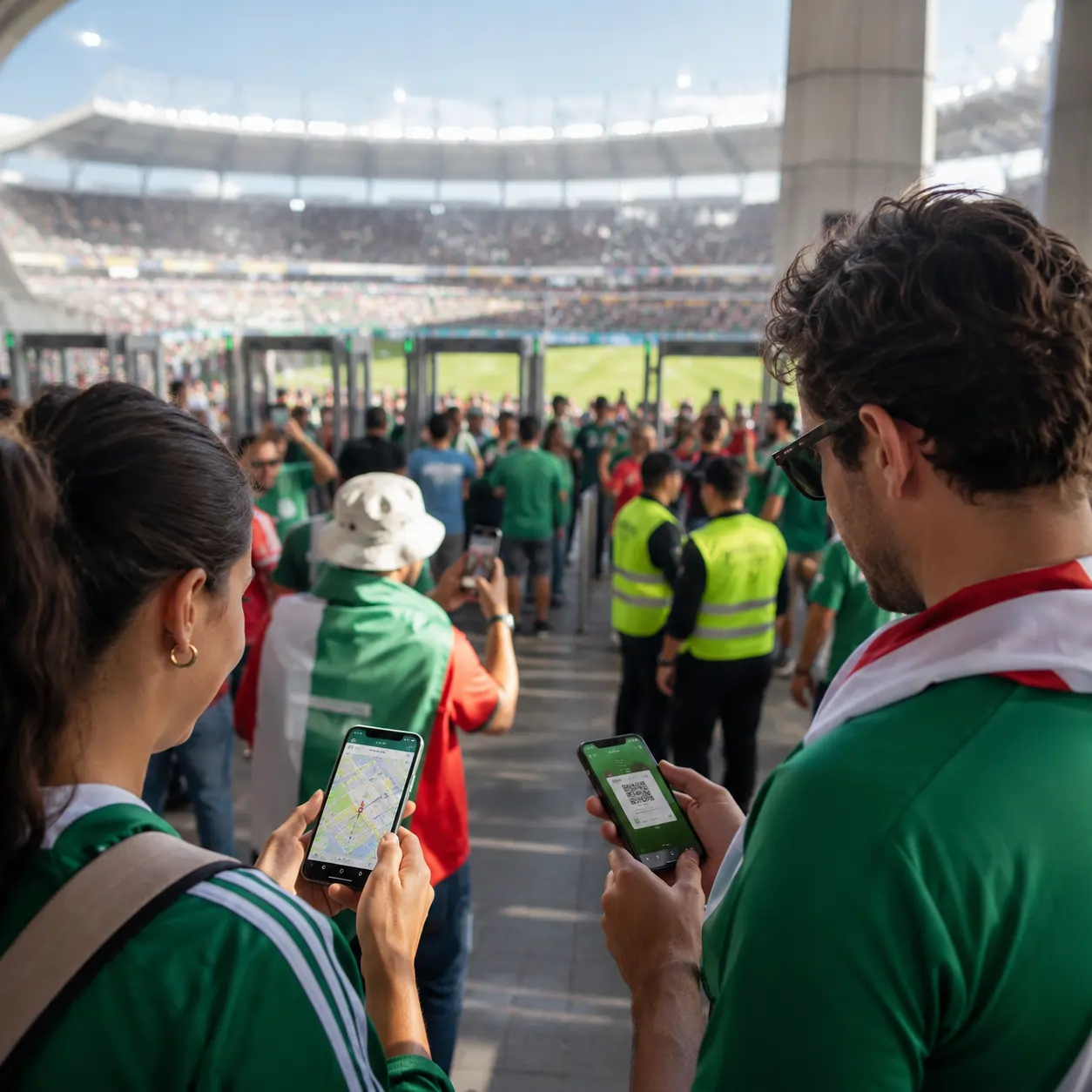
Your phone will probably work at World Cup 2026 stadiums, but you should not build your whole match day around perfect signal.
Most host venues are large modern stadiums with strong mobile networks, Wi-Fi systems, and telecom upgrades. Verizon is also deploying advanced 5G and fiber infrastructure across stadiums, FIFA Fan Festival locations, and operational areas for the tournament.
But that does not mean your phone will be fast every minute. On match day, tens of thousands of fans will open mobile tickets, message friends, use maps, upload videos, check rideshare prices, and call family at the same time. Even a strong network can slow down when 60,000 to 90,000 people are trying to use data in the same place.
Will Mobile Data Work Inside World Cup 2026 Stadiums?
In most cases, yes. You should expect mobile data to work inside and around World Cup 2026 stadiums, especially in the U.S. host venues where major carriers already support huge NFL and concert crowds.
Some World Cup 2026 stadiums are also getting or already have major connectivity upgrades, so the experience may vary by venue. Mercedes-Benz Stadium in Atlanta, for example, added a Wi-Fi 6E network designed to support easier entry lanes and high-definition live streaming during events.
Still, “working” does not always mean “fast.” Your phone may load a ticket or send a WhatsApp message, but uploading a long video, refreshing maps, or ordering a ride right after full-time could be slow.
The safest way to think about it: your phone should work, but you need a backup plan for the moments when the network gets crowded.
Why Phone Signal Can Still Be a Problem on Match Day
The biggest risk is not the stadium itself. It is timing. Mobile data usually gets worse during peak moments:
- 60–90 minutes before kickoff, when fans arrive and open tickets;
- right after full-time, when everyone texts, calls, posts, and orders rides;
- around stadium entrances, transit stops, and rideshare pickup zones;
- during big moments, when thousands of fans upload photos or videos at once.
This is why a phone can feel fine at noon, then suddenly become slow near the gate. It is not always because your carrier is bad. It is often because too many people are trying to use the same network in the same small area.
For international fans, this matters even more. Roaming can work well, but it can also be expensive or slower depending on your plan. AP reported that Verizon expected to help visiting fans with coverage through “soft SIM” technology and fast data service in stadiums, tailgate areas, and fan zones, but fans should still prepare before match day.
Do You Need Internet for World Cup 2026 Mobile Tickets?
Since World Cup 2026 tickets are handled through mobile entry, your phone becomes one of the most important things you bring to the stadium. FIFA says mobile tickets will not be sent by email, cannot be downloaded as PDFs, and cannot be printed. Tickets will be delivered through the FWC2026 Mobile Tickets app.
That makes your phone one of the most important things you bring to the stadium. Before leaving your hotel, open the ticketing app and make sure your ticket is visible. Do not wait until you are standing outside the gate with weak signal, low battery, and thousands of fans around you.
Also, do not rely on screenshots unless official match-day guidance clearly says they are accepted. Mobile tickets are usually built to be more secure than a static image, so the safer move is to use the official app exactly as instructed.
Stadium Wi-Fi vs Mobile Data vs eSIM
Stadium Wi-Fi can help, but do not assume it will solve everything. Public Wi-Fi can be crowded, require login steps, or work better in some parts of the stadium than others.
Mobile data is usually simpler. If your carrier has strong coverage at the venue, it may be more reliable than joining a packed public Wi-Fi network. But again, peak crowd moments can slow everything down.
For international fans, an eSIM can be useful, especially if you are visiting the U.S., Canada, and Mexico during one trip. A regional North America eSIM may help avoid airport SIM hunting, roaming surprises, or switching plans between countries. Travel eSIM providers are already positioning these plans around the tournament, but an eSIM is still not a magic fix for stadium congestion.
The best setup is simple: have mobile data ready, install your eSIM or roaming plan before match day, and do not depend on stadium Wi-Fi as your only option.
What to Do Before You Arrive at the Stadium
Prepare your phone before you get close to the crowd. Open your mobile ticket in the official app before leaving your hotel. Charge your phone fully. Bring a power bank if it is allowed by your stadium’s rules, and check the World Cup 2026 bag rules before packing extra accessories. Save your hotel address, stadium gate, and meeting point with friends.
This also connects with match-day access rules. If you forget something, you may not be able to leave and come back later, so check the World Cup 2026 re-entry rules before assuming you can return to your car or hotel. Your basic pre-match phone checklist should be:
- ticket app installed and logged in;
- ticket visible before arrival;
- phone battery above 80%;
- roaming or eSIM activated;
- offline maps downloaded;
- payment card saved, but physical card available too;
- meeting point agreed with your group;
- rideshare pickup checked before full-time.
Match-Day Phone Tasks and Risk Level
Should You Buy an eSIM for World Cup 2026?
If you are travelling from another country, probably yes. An eSIM is not required, but it can make the trip easier.
It is especially useful if your World Cup route includes matches in more than one country. The tournament is spread across the United States, Canada, and Mexico, so a regional plan can be more convenient than buying separate local SIM cards.
But buy and activate it before match day. Do not try to install an eSIM for the first time while standing outside a stadium with weak signal and a dying battery. Test it when you arrive in the country, not when you are already in the queue.
The Safest Rule for Fans
Assume your phone will work, but prepare like it might slow down. That is the right balance. You do not need to panic or carry printed maps like it is 2006. But you also should not arrive with 12% battery, no offline map, no active data plan, and a ticket app you have never opened.
For World Cup 2026, your phone is not just for photos. It is your ticket, map, wallet, group chat, translation tool, and ride home. Treat it like essential match-day gear.
FAQ
Will my phone work at World Cup 2026 stadiums?
Most likely, yes. World Cup 2026 stadiums are large event venues with mobile network and Wi-Fi infrastructure. But signal can slow down when tens of thousands of fans use data at the same time.
Will there be Wi-Fi inside World Cup 2026 stadiums?
Some stadiums have strong Wi-Fi systems, but do not rely on stadium Wi-Fi as your only connection. It may be crowded, uneven, or require login steps.
Do I need internet to show my World Cup 2026 ticket?
World Cup 2026 is a mobile-only entry tournament, and tickets will be accessed through the official mobile ticketing app. Open the app and check your ticket before arriving at the stadium.
Can I use a screenshot of my World Cup 2026 ticket?
Do not rely on screenshots unless official match-day instructions clearly say they are accepted. Use the official ticketing app.
Should I buy an eSIM for World Cup 2026?
An eSIM is a smart option for international fans, especially if you are travelling across the U.S., Canada, and Mexico. Activate and test it before match day.
Will WhatsApp work at the stadium?
Usually yes, but messages may be delayed during peak crowd moments. Agree on a meeting point with your group before entering the stadium.
Will Uber or Lyft work after the match?
The apps may work, but loading times, prices, and pickup availability can be rough right after full-time. Walking away from the stadium crowd before ordering can help.
How much mobile data do I need for World Cup 2026?
For basic use like tickets, maps, messages, and rideshare, you do not need a huge plan. If you plan to upload videos, stream, or use maps heavily across several cities, prepare more data than usual.
.webp)